
Remote work, online support, and digital collaboration have become essential parts of today’s business environment. Whether you are an IT professional, a freelancer, a startup owner, or part of a growing enterprise, you need a reliable way to access computers remotely without complexity. This is where Getscreen.me stands out as a modern, browser-based remote desktop solution designed for speed, simplicity, and security.
Getscreen.me removes the technical barriers often associated with traditional remote access software. With no heavy installations, no complicated configurations, and cross-platform compatibility, it offers a smooth remote connection experience for both support providers and end users.
What is Getscreen.me?
Getscreen.me is a cloud-based remote desktop and remote support tool that allows users to connect to computers from anywhere using a web browser. It is designed for quick connections, on-demand support sessions, and permanent remote access to devices without the need for advanced technical knowledge.
Unlike traditional remote desktop software that requires full installation on both ends, Getscreen.me allows connections directly through a browser, making it extremely convenient for non-technical users. This makes it an ideal solution for IT support teams, managed service providers, and businesses that need instant access to remote systems.
Why Getscreen.me is Gaining Popularity
The demand for fast and secure remote access tools has increased rapidly. Getscreen.me meets this demand by offering a lightweight, flexible, and cost-effective alternative to bulky remote desktop software.
Some of the key reasons for its popularity include:
-
No complex setup or configuration
-
Works directly in a web browser
-
Quick session sharing with a simple link
-
Secure encrypted connections
-
Affordable pricing for businesses and freelancers
These features make Getscreen.me a practical choice for organizations that want efficiency without sacrificing security.
Key Features of Getscreen.me
Browser-Based Remote Access
One of the strongest advantages of Getscreen.me is its browser-based functionality. You can connect to a remote computer without installing heavy software. This significantly reduces setup time and makes it easier for clients or team members to join a session instantly.
On-Demand Remote Support
Getscreen.me is ideal for providing remote technical support. Support agents can generate a session link and share it with users, allowing instant access without complicated steps. This is especially useful for customer support teams who need fast issue resolution.
Permanent Remote Access
For users who need regular access to specific machines, Getscreen.me offers permanent remote access. This feature is perfect for remote workers, system administrators, and business owners who need to manage office computers from home or while traveling.
Cross-Platform Compatibility
Getscreen.me supports multiple operating systems, including Windows, macOS, and Linux. This cross-platform flexibility ensures seamless connections regardless of the device or operating system being used.
Secure Data Encryption
Security is a major concern in remote desktop software. Getscreen.me uses strong encryption to protect data and connections. This ensures that sensitive information remains secure during remote sessions.
Multi-Monitor Support
For advanced users and IT professionals, Getscreen.me supports multiple monitors. This allows full control over complex workstations without compromising productivity.
File Transfer & Clipboard Sharing
Users can easily transfer files between local and remote computers. Clipboard sharing allows copy-paste functionality, making remote work smoother and more efficient.
Benefits of Using Getscreen.me
Easy for Non-Technical Users
Many remote desktop tools are difficult for non-technical users to understand. Getscreen.me simplifies the process by allowing users to connect through a simple link. No confusing settings or technical knowledge required.
Faster Support Resolution
With instant browser access, support teams can solve issues quickly. Faster resolution leads to improved customer satisfaction and reduced downtime.
Cost-Effective Solution
Getscreen.me provides professional remote access features at competitive pricing. This makes it suitable for freelancers, startups, and small businesses looking to reduce operational costs.
Improved Productivity
Remote employees and IT administrators can access systems anytime, anywhere. This flexibility boosts productivity and ensures business continuity.
Scalable for Growing Businesses
As businesses grow, their remote access needs expand. Getscreen.me offers scalable plans that adapt to increasing users and devices without complexity.
Who Should Use Getscreen.me?
Getscreen.me is designed for a wide range of users, including:
-
IT support teams
-
Managed service providers (MSPs)
-
Freelancers and consultants
-
Remote employees
-
Small and medium businesses
-
Startups and tech companies
Anyone who needs fast, secure, and reliable remote desktop access can benefit from this platform.
Use Cases of Getscreen.me
Remote IT Support
Provide instant technical support to customers or employees without asking them to install complex software.
Remote Work Access
Employees can securely access office computers from home or while traveling.
System Administration
IT administrators can manage servers and workstations remotely with ease.
Client Assistance
Freelancers and consultants can help clients troubleshoot issues in real time.
Getscreen.me vs Traditional Remote Desktop Tools
Traditional remote desktop tools often require:
-
Full software installation
-
Complex firewall configurations
-
High system resource usage
Getscreen.me simplifies all of this by offering:
-
Browser-based access
-
Minimal setup
-
Lightweight performance
-
Quick session initiation
This modern approach saves time and improves user experience.
User Experience & Interface
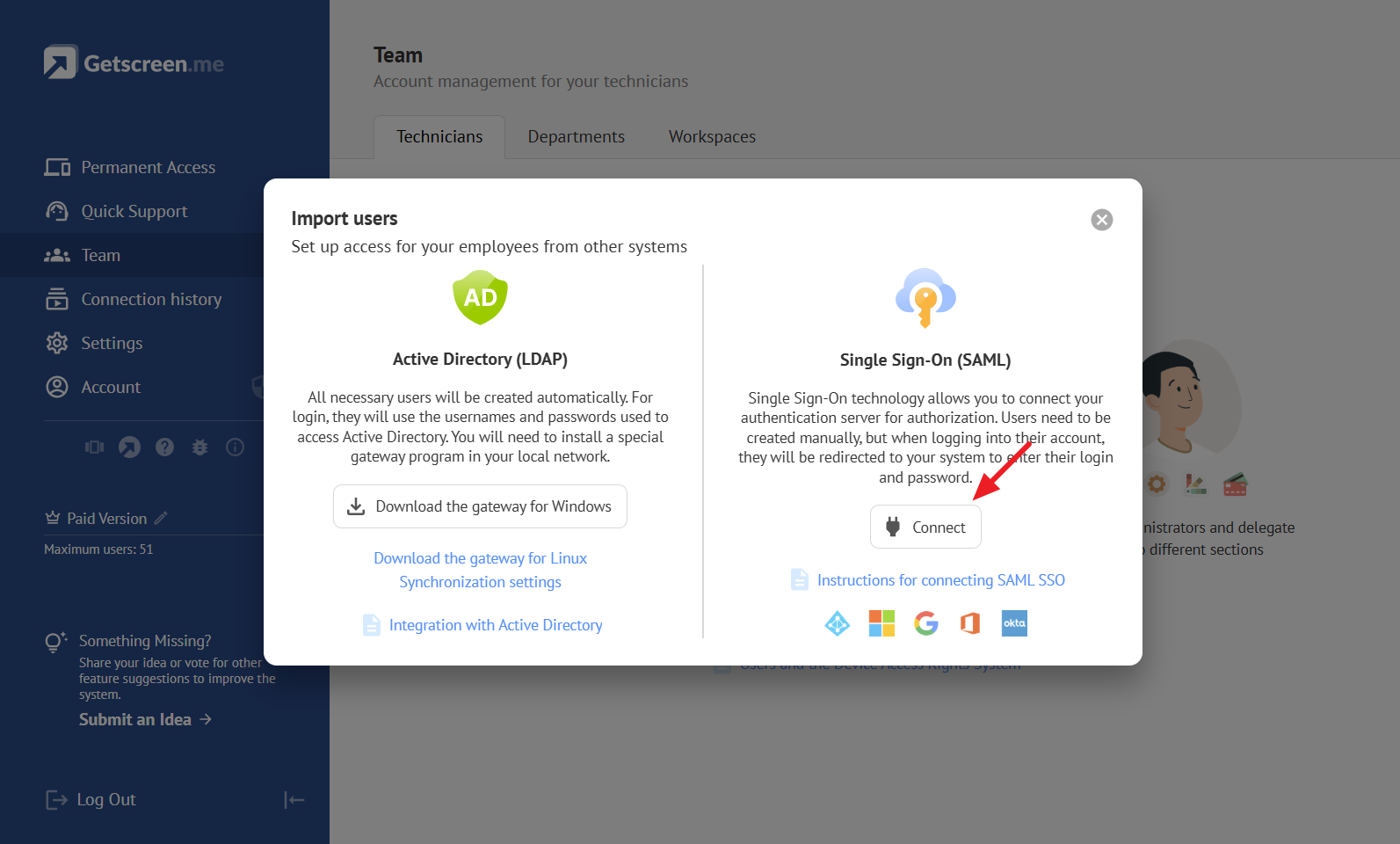
Getscreen.me features a clean, intuitive interface that focuses on usability. Even first-time users can navigate the dashboard easily. Session management, device access, and security settings are clearly organized, making the platform beginner-friendly and professional at the same time.
Security & Reliability
Security is a top priority for Getscreen.me. Encrypted connections, secure session handling, and controlled access ensure that remote sessions remain private and protected. Businesses can confidently use the platform without worrying about data breaches or unauthorized access.
Final Thoughts
Getscreen.me is a powerful yet simple remote desktop solution designed for today’s fast-paced digital world. Its browser-based access, strong security, and user-friendly interface make it an excellent choice for businesses and individuals alike.
