
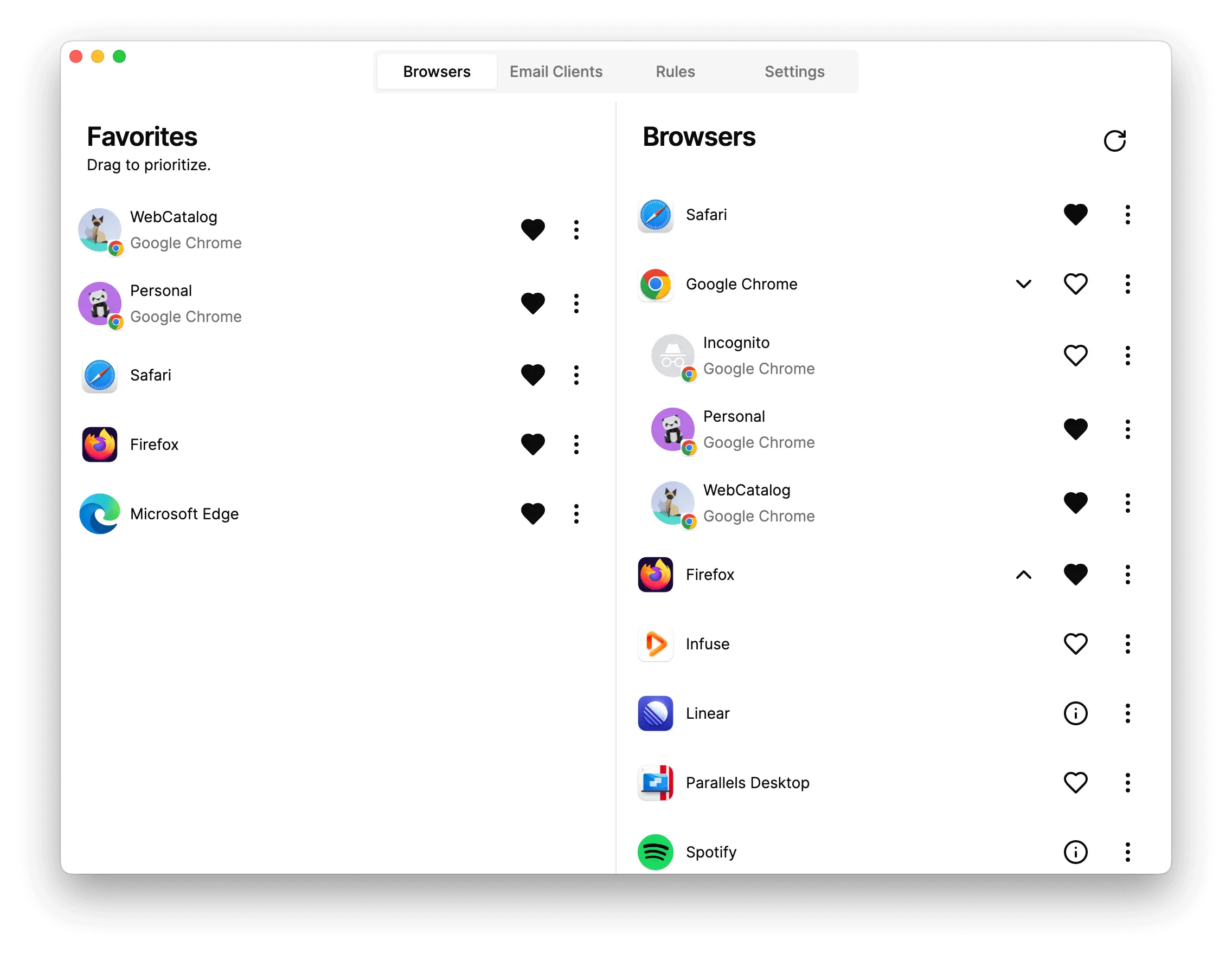
In today’s fast-paced digital world, professionals rely on dozens of web applications every single day. From project management tools and CRMs to messaging platforms and cloud dashboards, the browser has become our primary workspace. But managing multiple tabs, constant distractions, and mixed personal-work sessions often reduces productivity instead of improving it.
This is where WebCatalog stands out as a powerful and intelligent solution. WebCatalog allows users to turn their favorite web apps into dedicated desktop applications, providing a clean, focused, and distraction-free workflow. Whether you are a freelancer, startup founder, remote worker, or enterprise team member, WebCatalog helps you regain control over your digital workspace.
What Is WebCatalog?
WebCatalog is a desktop application that lets you install web apps as standalone desktop apps on Windows, macOS, and Linux. Instead of running everything inside a crowded browser window, WebCatalog creates independent app environments that behave like native software.
Each app runs in its own isolated container, meaning separate sessions, cookies, and logins. This makes WebCatalog ideal for users who manage multiple accounts or want to separate personal and professional workflows.
Why WebCatalog Is Gaining Popularity
The rise of remote work and SaaS tools has increased the need for better app management. Traditional browsers were never designed to act as full-time workspaces. WebCatalog bridges this gap by offering a desktop-first experience for web apps.
Here’s why more users are switching to WebCatalog:
-
Reduced tab clutter
-
Better focus and productivity
-
Dedicated app windows
-
Multiple account management
-
Native-like desktop experience
Key Features of WebCatalog
1. Turn Web Apps into Desktop Apps
WebCatalog converts popular web services into standalone desktop apps that feel smooth, fast, and professional. These apps open instantly, stay pinned to your taskbar or dock, and run independently of your main browser.
2. Account Isolation and Multi-Login Support
One of WebCatalog’s most powerful features is account isolation. You can log into multiple accounts of the same app simultaneously—perfect for agencies, marketers, developers, and support teams.
For example, you can run multiple project dashboards or email accounts at the same time without conflicts.
3. Distraction-Free Workspace
By removing browser distractions such as unnecessary tabs, bookmarks, and extensions, WebCatalog creates a focused environment. Each app has its own space, helping users concentrate on one task at a time.
4. Cross-Platform Compatibility
WebCatalog works seamlessly on Windows, macOS, and Linux. This makes it a great choice for teams using different operating systems while maintaining a consistent workflow.
5. High Performance and Stability
Unlike browser tabs that slow down with heavy usage, WebCatalog apps are optimized for stability and performance. Each app runs independently, reducing crashes and memory overload.
6. Custom App Library
Users can create a personalized app library with categorized apps for work, communication, design, development, and more. Everything stays organized and easy to access.
Who Should Use WebCatalog?
WebCatalog is designed for anyone who relies heavily on web applications:
-
Remote workers managing daily tools
-
Freelancers juggling multiple client accounts
-
Digital marketers handling dashboards and analytics
-
Developers managing cloud platforms and documentation
-
Business teams using CRM, ERP, and communication tools
If your browser feels overwhelming, WebCatalog is a smart upgrade.
WebCatalog vs Traditional Browsers
Traditional browsers are built for browsing, not productivity. WebCatalog redefines how web apps are used by offering a desktop-app-first approach.
| Feature | Browser | WebCatalog |
|---|---|---|
| Tab clutter | High | None |
| Multiple logins | Limited | Easy |
| App isolation | No | Yes |
| Desktop-like feel | No | Yes |
| Focused workflow | Low | High |
This clear difference explains why professionals prefer WebCatalog for serious work.
Security and Privacy
WebCatalog respects user privacy and offers strong isolation between apps. Since each app runs independently, there is less risk of session overlap or data leakage. This is especially useful for businesses managing sensitive information.
Ease of Use and Setup
Getting started with WebCatalog is simple. The interface is clean, modern, and beginner-friendly. Users can install apps in seconds and organize them effortlessly. No technical skills are required.
Why WebCatalog Is Ideal for Business and Productivity
In competitive business environments, efficiency matters. WebCatalog helps teams:
-
Save time switching between apps
-
Maintain clean workspaces
-
Improve focus and output
-
Manage multiple accounts securely
This makes WebCatalog an excellent productivity companion for modern professionals.
Final Thoughts
WebCatalog is more than just a web app launcher—it’s a productivity platform built for the modern digital workspace. By transforming web apps into focused desktop experiences, it helps users work smarter, faster, and with less distraction.
If you want better control over your daily tools and a cleaner workflow, WebCatalog is a solution worth considering.
