
Introduction
Many professionals struggle to manage their calendars and daily tasks effectively. Overlapping meetings, unpredictable workloads, and personal commitments can make planning a challenge. Reclaim is designed to help individuals and teams organize their schedules by intelligently prioritizing tasks and meetings.
What Is Reclaim
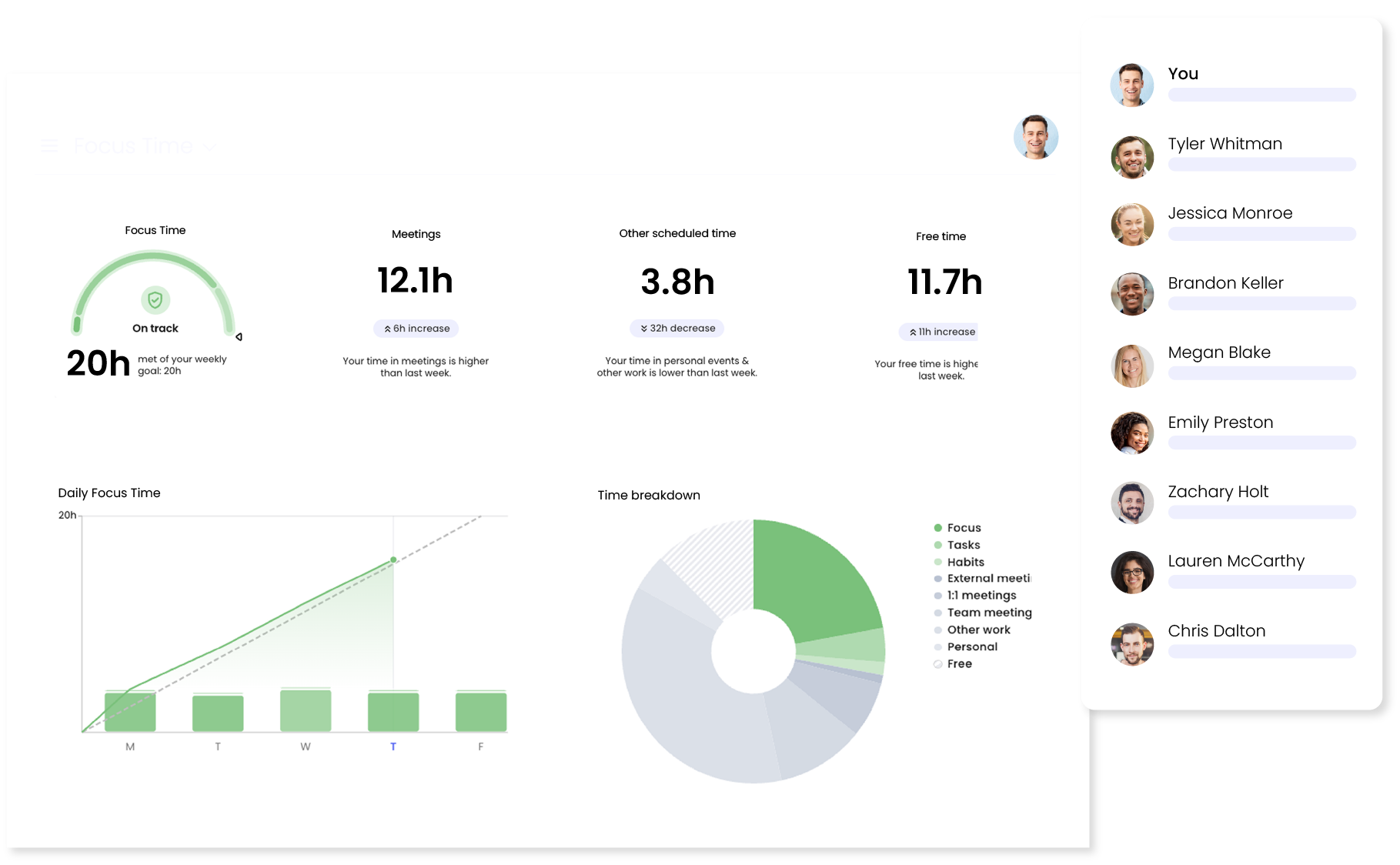
Reclaim is a smart calendar assistant that automatically schedules tasks, meetings, and personal priorities. It integrates with popular calendar apps to adjust your schedule in real time, ensuring tasks are completed efficiently without overbooking your day.
Key Features Explained
-
Automatic Task Scheduling – Reclaim finds the best time for your tasks and blocks them in your calendar without manual input.
-
Smart Meeting Management – The platform optimizes meeting times to reduce conflicts and ensures critical tasks are not disrupted.
-
Priority-Based Planning – Tasks are prioritized based on deadlines, importance, and estimated effort, helping users focus on what matters most.
-
Integration with Calendar Apps – Reclaim works seamlessly with Google Calendar, Outlook, and other major calendar tools for synchronized planning.
-
Time Blocking – Allows users to reserve blocks of uninterrupted time for deep work, improving focus and productivity.
Common Use Cases
-
Professionals balancing multiple projects who need automated scheduling.
-
Teams coordinating meetings across time zones while minimizing calendar conflicts.
-
Individuals seeking structured time blocks for focused work or personal commitments.
-
Freelancers or remote workers managing client meetings alongside personal priorities.
Potential Advantages
-
Reduces manual effort in planning and scheduling.
-
Helps maintain focus by protecting time for priority tasks.
-
Prevents scheduling conflicts and overbooking.
-
Adapts dynamically as tasks or meetings change.
Limitations & Considerations
-
Requires access to users’ calendars, which may raise privacy considerations.
-
Heavy reliance on automation may not suit those who prefer manual control.
-
Some advanced features may be limited to paid plans.
-
Integrations are mostly with widely-used calendar apps; niche platforms may not be supported.
Who Should Consider Reclaim
-
Professionals and managers seeking automated time management.
-
Teams needing centralized scheduling without constant manual adjustments.
-
Remote workers balancing personal and professional commitments efficiently.
Who May Want to Avoid
-
Users who prefer fully manual scheduling or strict personal control.
-
Individuals uncomfortable with sharing calendar data with an external tool.
-
Users relying on niche calendar systems not supported by Reclaim.
Comparison With Similar Tools
Compared to traditional task managers, Reclaim emphasizes calendar-based automation. While tools like Todoist focus on task tracking, Reclaim focuses on time allocation and optimization. For teams using Google Workspace, its automatic integration and real-time adjustments can be more efficient than manual planning.
Final Educational Summary
Reclaim offers a structured approach to managing time by combining task prioritization, calendar integration, and automatic scheduling. Its primary benefit is helping users maximize productivity while reducing the stress of manual planning. It is especially useful for professionals juggling multiple commitments but may not suit those seeking full manual control or privacy-focused scheduling.
Disclosure
This content is for educational purposes only. It is not sponsored or promotional. All information is based on publicly available sources and user-reported experiences.
