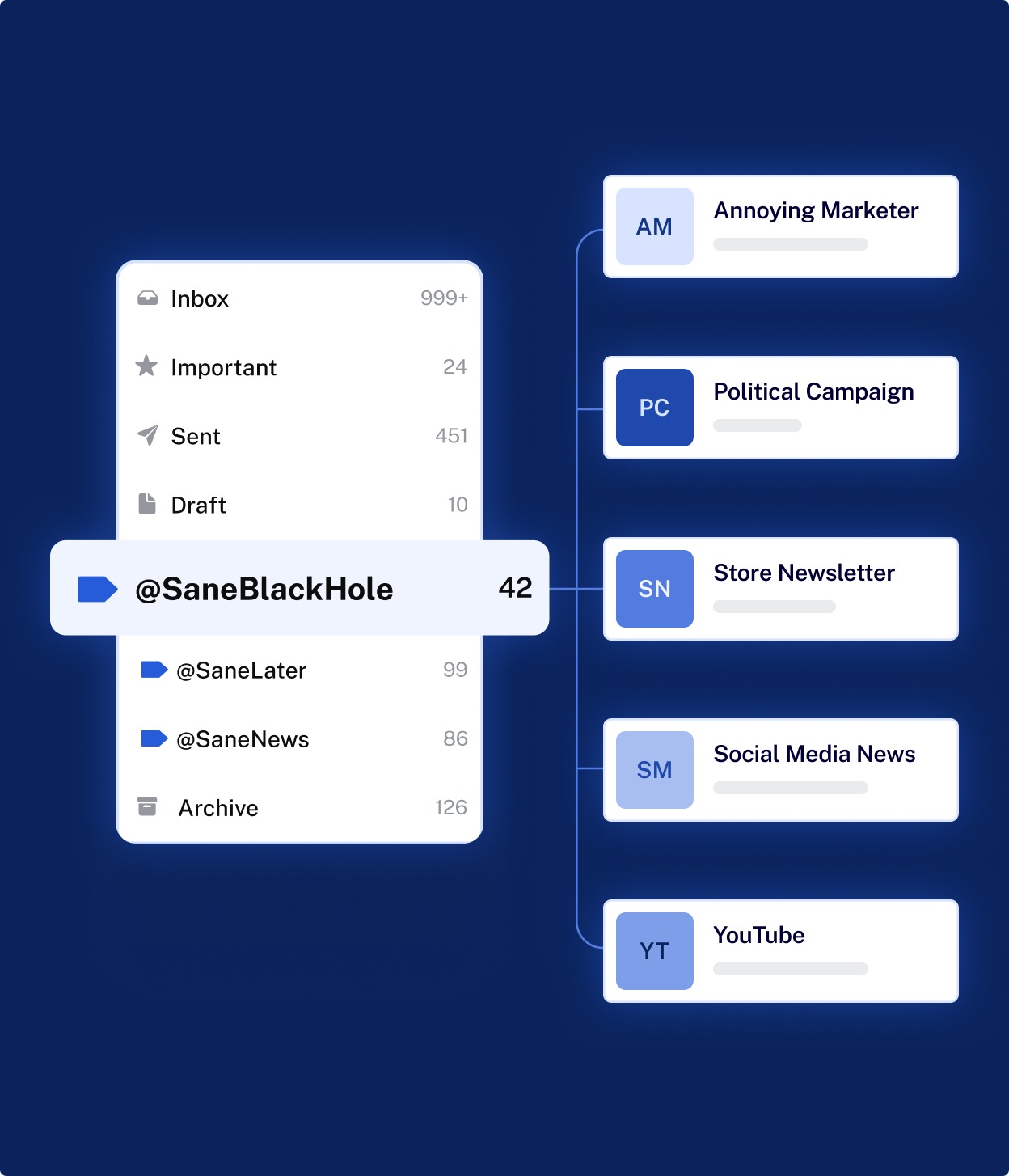
Email remains one of the most widely used digital communication systems in professional and personal environments. However, the increasing volume of automated notifications, newsletters, internal updates, and external communications has made inbox overload a common productivity challenge. Email management platforms have emerged to address this issue by organizing incoming messages based on relevance and user behavior.
Sanebox is one such platform designed to assist users in filtering, prioritizing, and maintaining control over their email inbox. This article provides a comprehensive, non-promotional overview of Sanebox, examining its functionality, design principles, practical use cases, advantages, and limitations.
The goal of this article is to support informed decision-making by explaining how Sanebox works, what types of users it may suit, and what considerations should be evaluated before adopting an automated email management tool.
Introduction to Inbox Overload and Email Prioritization
Modern inboxes often function as task lists, archives, collaboration tools, and notification centers simultaneously. This overlap can reduce clarity and increase cognitive load. Research in workplace productivity consistently shows that frequent inbox checking and poorly organized email streams contribute to distraction and inefficiency.
Email management platforms attempt to solve this problem by:
-
Separating important messages from low-priority content
-
Reducing time spent manually sorting emails
-
Creating structured workflows within existing email clients
Sanebox positions itself within this category by offering an automated filtering system that operates alongside popular email services rather than replacing them.
What Is Sanebox?
Sanebox is an email filtering and inbox organization service that integrates with existing email providers. Instead of acting as a standalone email client, it works in the background to analyze email behavior and reorganize messages into designated folders.
The platform focuses on priority detection, using behavioral signals such as:
-
Which emails are opened
-
Which messages are replied to
-
Which senders are consistently ignored
Based on these patterns, emails deemed less important are moved out of the main inbox, while higher-priority messages remain visible.
Core Design Philosophy
Sanebox is built around three guiding principles:
-
Minimal disruption
The system avoids forcing users to change email clients or workflows. -
Behavior-based learning
Filters are derived from user actions rather than fixed rules alone. -
Inbox simplification
The emphasis is on reducing visible clutter rather than deleting messages.
This design approach distinguishes Sanebox from rule-heavy email filters that require extensive manual configuration.
Key Features and Functional Overview
Intelligent Email Sorting
Sanebox automatically categorizes emails into folders such as low-priority, newsletters, and reminders. The exact folder names and structures depend on user settings, but the core objective is consistent: reduce inbox noise.
Priority Inbox Preservation
Messages predicted to be important remain in the primary inbox, ensuring that time-sensitive or relevant communication is less likely to be overlooked.
Deferred Email Handling
Users can move messages into designated folders to reappear at a later time. This supports task deferral without relying on external task management tools.
Attachment and Large File Management
Emails with large attachments can be grouped separately, making it easier to locate or manage storage-related concerns.
Daily Summary Digest
Sanebox provides periodic summaries of filtered emails, allowing users to review lower-priority messages in batches instead of individually.
How Sanebox Works Behind the Scenes
Sanebox connects to email accounts using secure access protocols. Once connected, it scans email headers and metadata rather than message content, focusing on sender patterns and interaction history.
The system continuously updates its filtering logic based on:
-
Read and unread actions
-
Replies and forwards
-
Folder movement
If a user disagrees with a sorting decision, manually moving an email teaches the system to adjust future behavior. Over time, the filtering becomes more aligned with individual preferences.
Integration with Existing Email Services
Sanebox is designed to function as a layer on top of common email platforms rather than a replacement. Users continue using their existing email interface while Sanebox manages background organization.
This approach offers two practical advantages:
-
No learning curve for a new email client
-
Immediate compatibility with established workflows
However, it also means that Sanebox’s capabilities are partially dependent on the features and limitations of the underlying email service.
Use Cases and Practical Applications
Professionals and Knowledge Workers
Individuals who receive a high volume of daily email may benefit from automated prioritization, particularly when messages vary significantly in urgency.
Small Teams and Independent Operators
Sanebox can help maintain inbox clarity without requiring shared inbox systems or complex team-level rules.
Remote and Hybrid Work Environments
When communication volume increases due to distributed teams, automated filtering can support focus and time management.
Email-Heavy Roles
Roles involving customer inquiries, vendor updates, or subscription monitoring may find value in separating actionable messages from informational ones.
Strengths and Advantages
-
Reduces visible inbox clutter without deleting emails
-
Learns from user behavior rather than fixed assumptions
-
Works with existing email clients
-
Requires minimal setup
-
Supports deferred reading and follow-up workflows
These strengths make Sanebox suitable for users seeking automation with minimal intervention.
Limitations and Considerations Sanebox
Despite its benefits, Sanebox may not be ideal for every user:
-
Automated sorting may occasionally misclassify emails
-
Users who prefer manual control may find automation restrictive
-
Some advanced features depend on email provider compatibility
-
Behavioral learning requires an initial adjustment period
Additionally, users in highly regulated environments may need to evaluate compliance requirements before using third-party email management tools.
Data Handling and Privacy Overview
Sanebox operates by accessing email metadata and interaction patterns. While content scanning is limited, users should review data handling policies carefully to ensure alignment with organizational or personal privacy expectations.
Understanding how email data is processed, stored, and secured is a critical step before adopting any inbox management platform.
Comparison with Manual Email Management
Manual inbox organization relies on:
-
Custom rules
-
Folder hierarchies
-
Frequent user intervention
Sanebox reduces manual workload but trades some control for automation. The choice between manual and automated management often depends on personal preference, email volume, and tolerance for algorithm-driven organization.
Long-Term Inbox Maintenance
One of the challenges of inbox management tools is long-term sustainability. Sanebox’s learning-based model aims to adapt over time, reducing the need for frequent rule updates. However, periodic review remains important to ensure sorting accuracy and relevance.
Final Assessment
Sanebox represents an approach to email management that prioritizes automation, behavioral learning, and minimal workflow disruption. It does not attempt to replace existing email systems but instead enhances them by reducing noise and highlighting relevance.
For users struggling with inbox overload and repetitive sorting tasks, tools like Sanebox illustrate how machine learning can be applied to everyday productivity challenges. However, careful evaluation of privacy, control preferences, and workflow compatibility is essential before long-term adoption.
Disclosure
This article is published solely for educational and informational purposes. The content is intended to explain the general functionality, design approach, and use considerations of an email management platform in a neutral and analytical manner. It does not constitute advertising, promotion, endorsement, or recommendation of any product or service.
The information presented is based on publicly available knowledge and generalized software analysis. Features, capabilities, and limitations may change over time, and actual user experience may vary depending on individual usage patterns, email providers, and configuration settings.