Introduction
Digital operations teams increasingly rely on cloud-based tools to manage workflows, internal communication, scheduling, and access to shared resources. As organizations become more distributed, the number of accounts, tools, and permissions that need to be managed also grows. This creates operational friction, especially for small teams that do not have dedicated IT or security staff.
Tools in the workforce management and access-organization space exist to reduce this friction. They aim to centralize information, simplify daily coordination, and reduce the time spent switching between platforms. Rather than replacing core business software, these tools typically act as an organizational layer that sits alongside existing systems.
This article provides an educational overview of Shiftie, focusing on what it does, how it is commonly used, and the considerations teams should evaluate before adopting a tool in this category. The content is written from a neutral, independent perspective and is intended to support informed decision-making rather than promotion.
Visit Shiftie Official Website
What Is Shiftie?
Shiftie is a digital workforce coordination platform designed to help teams organize access to tools, schedules, and shared operational information in one place. It falls broadly into the category of internal team management and operational organization software.
Platforms like Shiftie are typically used by small to mid-sized organizations that operate across multiple tools and services. These may include startups, agencies, remote teams, or operational teams that rely on shift-based or role-based access to systems.
Rather than functioning as a full enterprise resource planning system, Shiftie focuses on simplifying how teams interact with their existing digital tools. Its purpose is to act as a centralized layer where teams can manage who uses what, when, and under which conditions.
Key Features Explained
Centralized Tool Access Management
Shiftie allows teams to organize access to various internal and third-party tools from a single interface. Instead of sharing credentials informally or managing access across multiple dashboards, teams can define who has access to specific tools or resources.
This feature is typically used to reduce confusion when onboarding new team members or transitioning roles within a team.
Shift and Role-Based Organization
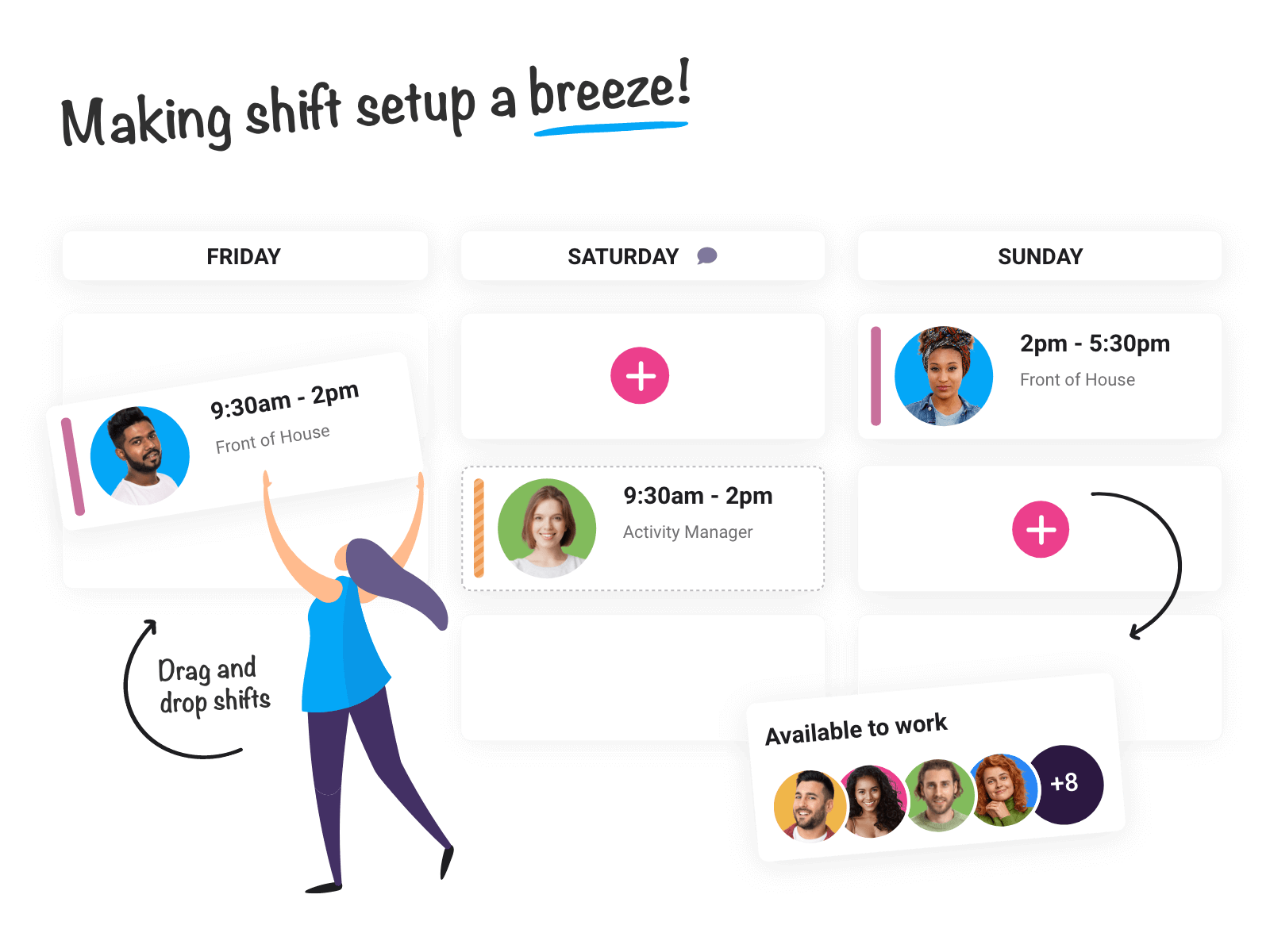
The platform supports organizing users based on shifts, roles, or schedules. This is particularly relevant for teams that operate across time zones or require different access levels depending on working hours.
Rather than assuming all users need constant access, Shiftie enables time- or role-specific access structures.
Team Directory and Internal Information
Shiftie includes functionality for maintaining a centralized team directory. This may include names, roles, schedules, and operational notes. The intent is to reduce reliance on scattered documents or informal communication channels.
Such directories are commonly used as reference points rather than primary communication tools.
Integration-Oriented Design
The platform is designed to work alongside other digital tools rather than replace them. It typically integrates with commonly used productivity or operational software, allowing teams to continue using their existing stack while adding an organizational layer on top.
Administrative Oversight Tools
For team leads or administrators, Shiftie provides visibility into access structures and team organization. This can help identify outdated permissions or unclear role assignments over time.
Common Use Cases
Small Remote Teams
Remote teams often rely on many separate tools for communication, project tracking, and documentation. Shiftie can be used to centralize access information and reduce onboarding time for new hires.
Shift-Based Operations
Organizations that operate on rotating schedules, such as support teams or operational units, may use Shiftie to align tool access with active shifts.
Agencies and Client-Focused Teams
Agencies working with multiple clients often need to control which team members can access specific client tools. Shiftie can act as a reference layer for these access rules.
Growing Startups
Startups that are adding team members quickly may use a coordination platform to keep access permissions organized as roles evolve.
Potential Advantages
Potential Reduction in Access Confusion
By centralizing information about who has access to which tools, teams may experience fewer misunderstandings related to permissions.
Potential Improvement in Onboarding Consistency
New team members can be introduced to a structured overview of tools and responsibilities rather than relying on ad-hoc explanations.
Potential Support for Operational Transparency
Clear visibility into roles, shifts, and responsibilities can help teams understand how work is distributed.
Potential Compatibility With Existing Workflows
Because Shiftie is designed to integrate rather than replace, it may fit into existing tool ecosystems without requiring major process changes.
Limitations & Considerations
Not a Full Access Control System
Shiftie does not replace native permission systems within individual tools. Teams still need to manage actual access rights within each platform.
Learning Curve for Administrators
Setting up structured roles, shifts, and access mappings requires upfront effort. Teams without clear internal processes may find this challenging.
Dependence on External Integrations
The usefulness of the platform depends in part on how well it integrates with a team’s existing tools. Limited integration support could reduce its effectiveness.
Suitability for Larger Enterprises
Larger organizations with complex compliance or security requirements may find that dedicated identity and access management systems are more appropriate.
Ongoing Maintenance Required
To remain accurate, access and role information must be kept up to date. Without regular maintenance, centralized data can become outdated.
Who Should Consider Shiftie
-
Small to mid-sized teams managing multiple digital tools
-
Remote or distributed teams needing structured access visibility
-
Teams with shift-based workflows
-
Organizations without dedicated IT access management systems
Who May Want to Avoid It
-
Large enterprises with advanced identity management needs
-
Teams that use very few tools and have static roles
-
Organizations seeking automated security enforcement rather than organizational oversight
-
Teams unwilling to maintain internal documentation regularly
Comparison With Similar Shiftie
Shiftie operates in a space that overlaps with internal knowledge bases, access documentation tools, and lightweight workforce management platforms.
-
Internal Wikis focus more on documentation than access organization
-
Password Managers handle credentials but not role or shift context
-
Enterprise IAM Platforms provide deeper security controls but require more complexity
Each category addresses a different aspect of the same problem. Shiftie sits between documentation and access coordination rather than replacing either.
Final Educational Summary
Shiftie is an example of a workforce coordination platform designed to help teams organize access, roles, and schedules across multiple tools. Its primary function is not enforcement but visibility and structure. For smaller or distributed teams, this type of tool can serve as an organizational reference layer that complements existing systems.
As with any operational software, its effectiveness depends on how well it aligns with a team’s size, workflow complexity, and willingness to maintain structured information. Readers should evaluate similar tools based on their own requirements, existing infrastructure, and long-term operational goals.